Converter Search
This feature is used to find the price of converters. When searching for converters it is important to note that there are 2 ways to price converters. The Serial Number catalog and the Non-Serial Number catalog.
1. The Serial Number Catalog
• This search function is used when a serial number or part thereof is known.
• This is the MOST accurate way to evaluate a converter’s value and should be the main way of buying converters.
2. The Non-Serial Number (NSN) Catalog
• This search function is used if the converter does NOT have a serial number or any markings on it.
• The converters in this catalog have been grouped by car make and shape.
• The groups are assayed and a CONSERVATIVE value is assigned to each group.
Serial Number Search
This search function is used when you have a serial number or part thereof, for the converter that you are trying to price.
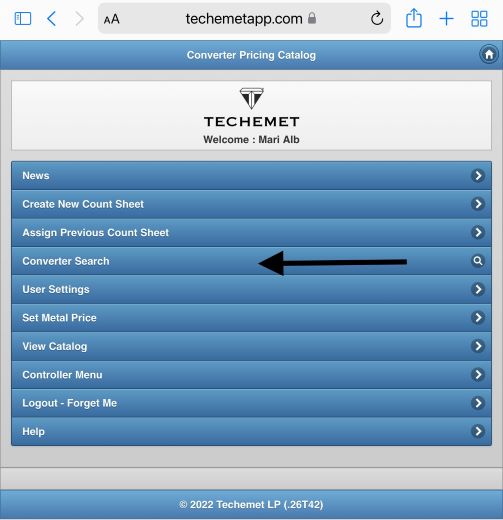
1. Select Converter Search from the main menu.
2. The Search pane appears
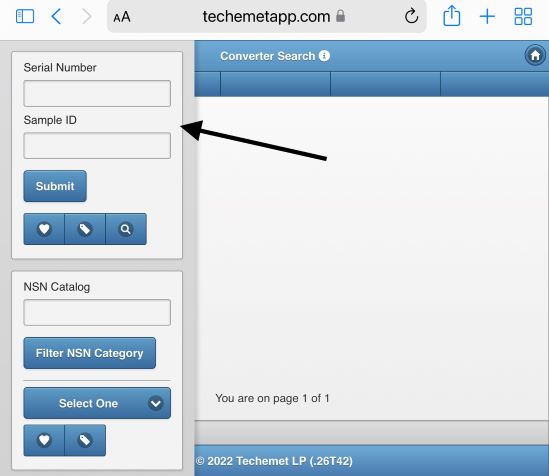
3. Serial Number – enter serial number
• This search only recognizes numbers and letters. It does not search for, or recognize any special characters.
• Example - Search for 11010437
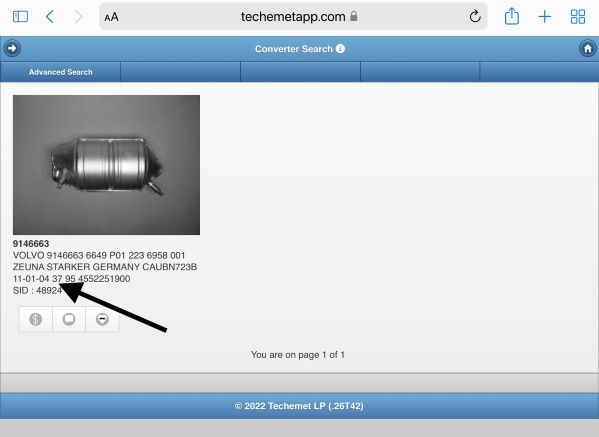
4. The search returned the above converter as the number that was entered “11010437” appeared in whole or in part in the description of the converter.
Once the unit you are looking for is displayed, a $ sign icon, note icon and heart icon appear below the image.
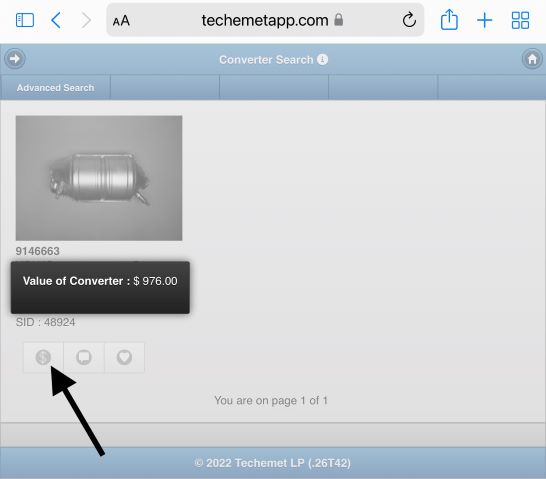
5. Tap the $ and the value of the converter is displayed. The value is determined by the metal price at that point in time. When you search this converter, the price will probably be different.
Click here for information on SiC Pricing.
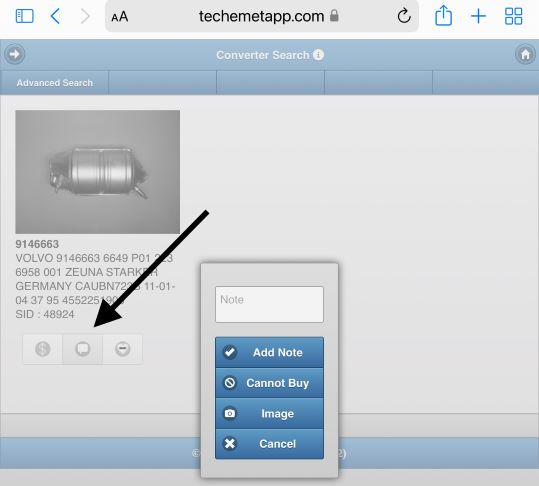
6. The note icon is used to add notes to the converter. To use this feature:
a. Tap the Note icon.
b. The Note pop up window appears.
-Type comments in the free form field and tap "Add Note" to add the note to the converter.
-Tap "Cannot Buy" to indicate that the unit should not be purchased.
-Tap "Image" and follow the prompts to add an image to the note.
-Tap "Cancel" to exit from the pop up window.
NOTE: The notes/images added here are only viewable once the unit has been added to the Count Sheet.
7. The HEART icon is used to add converters to your Quick List. In the example above, there is a line in the HEART, this means the item was added to the Quick List. For more information on the Quick List feature, please click here.
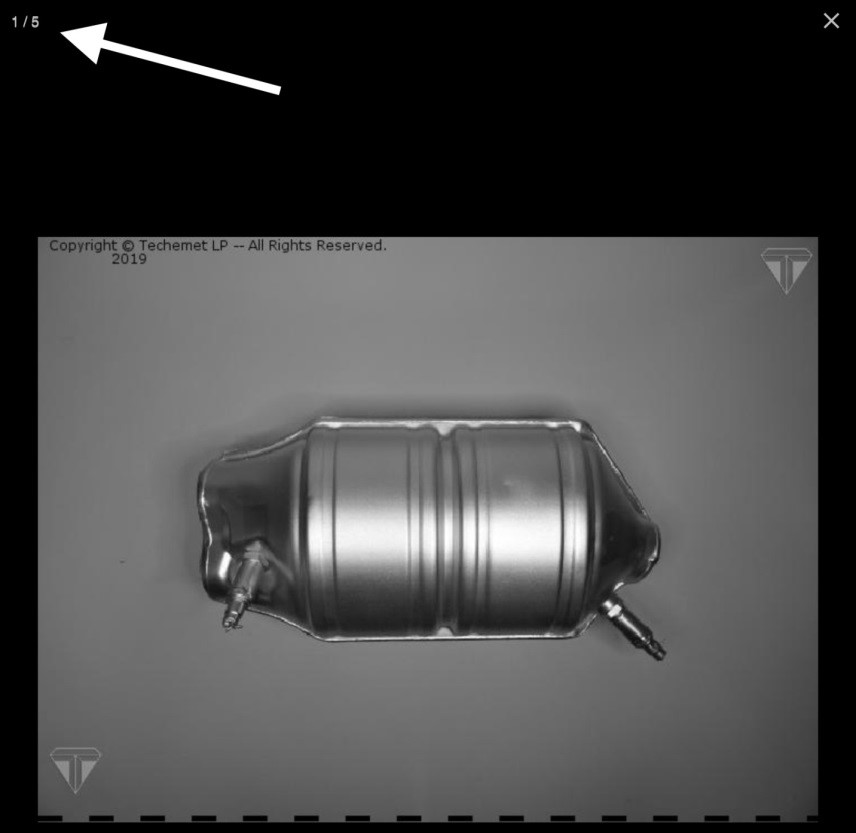
8. To view more images with different angles, tap on the image and swipe to the left or tap on the arrow to the right of the image. The total number of images available is displayed in the top left hand corner. In this example there are 5 images.
Serial number identity guide – Please click here for a serial number identity guide. This is not an exact or exhaustive list but merely a GUIDELINE.
NSN (Non Serial Number) Catalog
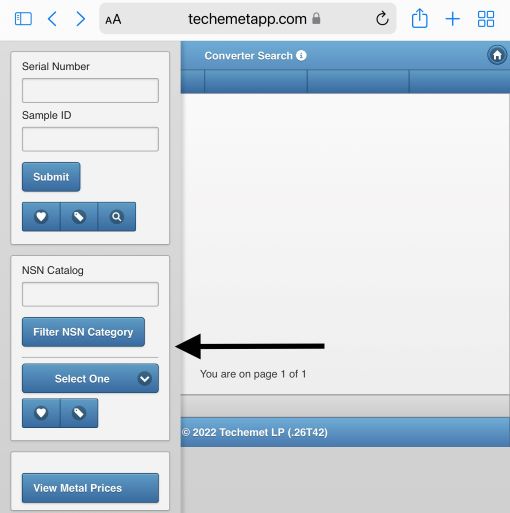
This catalog contains converters that do not have serial numbers or any other markings. They have been grouped by car make and shape. The groups were then assayed and a conservative assayed value was assigned to each group.
There are 2 ways to use this search feature:
1. Enter the full name of the converter in the search field.
The search returns converters with that name.
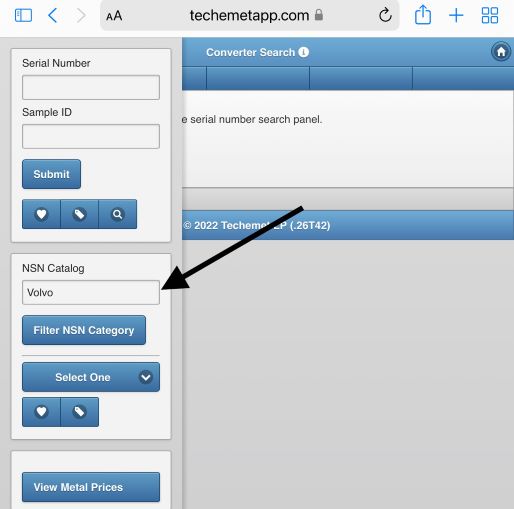
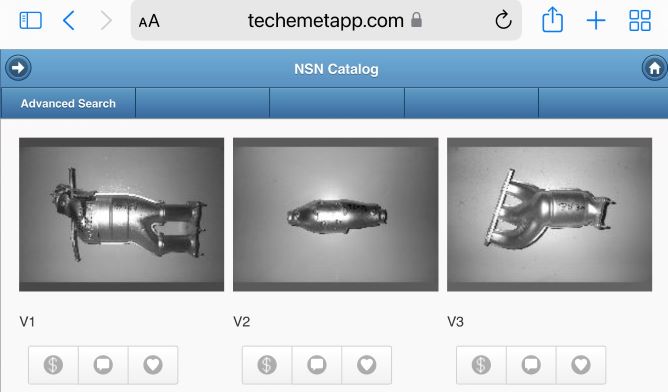
For example typing “Volvo” in this field (as is shown above), returns all converters in the Volvo group (as is shown below).
2. Search by car make :
o Tap the Select One field.
o drop down menu appears.
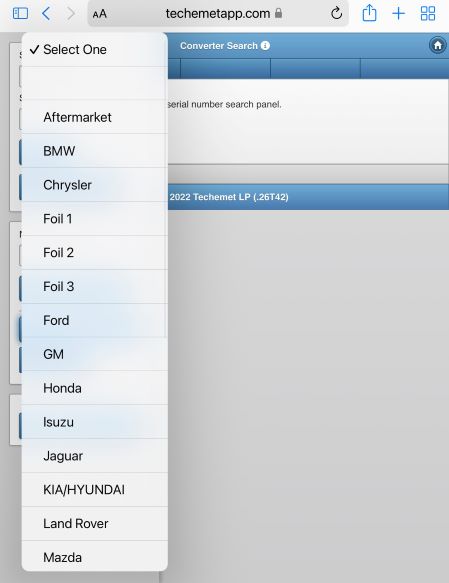
o Select the car make – for this example we selected BMW.
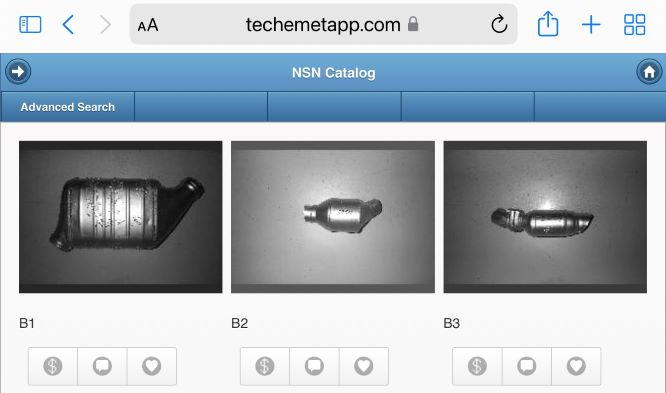
o A list of converters appears.
o Scroll through until you see a converter that most closely matches the converter you are searching for.
o Tap the $ sign to get the value of the converter.
o Click here for information on SiC Pricing.
% Return
This is an Advanced User feature. If it does not appear on your screen please contact your account Controller or your Techemet buyer for more information.
% Return – This refers to how much money you hope to make on this converter. The higher the percentage return, the less you make and the lower the percentage return, the more money you make.
The percentage return is changed by moving the slide bar back and forth. The range is from 50 % to 100 %.
Example
• If the terms for your company are at 93 % and the % return is set to 80, the converter is purchased at an additional profit of 13 %.
• If the terms for your company are at 93 % and the % percentage return is set to 95 %, the converter is purchased at a LOSS of 2%
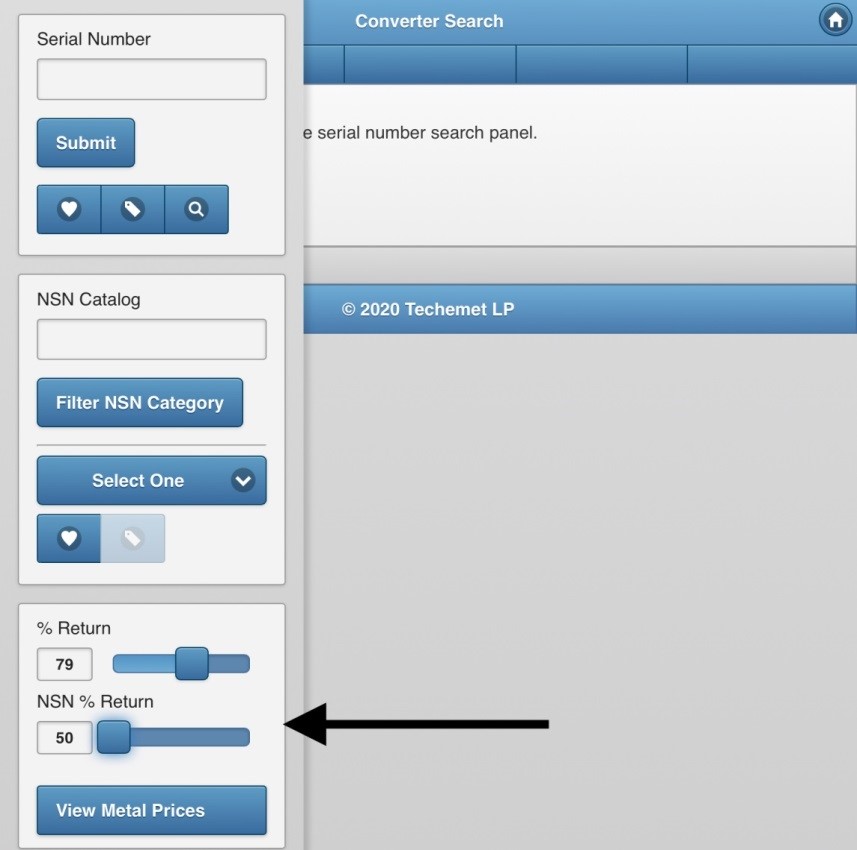
NSN % Return
The principle in NSN % return is the same as above.
The reason it is separate, is to allow the user to set a different return for NSN converters. NSN converters carry more risk as it is more difficult to ascertain their value.
The screen above shows % return set at 79 % and NSN % return set at 50 %.
View Metal Prices – Tap on this field, to view the current metal prices.